01
Open on both devices
Sign in to Wire with the same DakshHQ account on your sending and receiving devices.
A file on your laptop. A link you need on your phone. Open Wire on both devices, sign in to the same account, and send it across.
Explore this simple example, then open wire to make it part of your day.
Open wire ↗From the screen you have to the one you need.
A real look inside wire. Open the app to start making it yours.
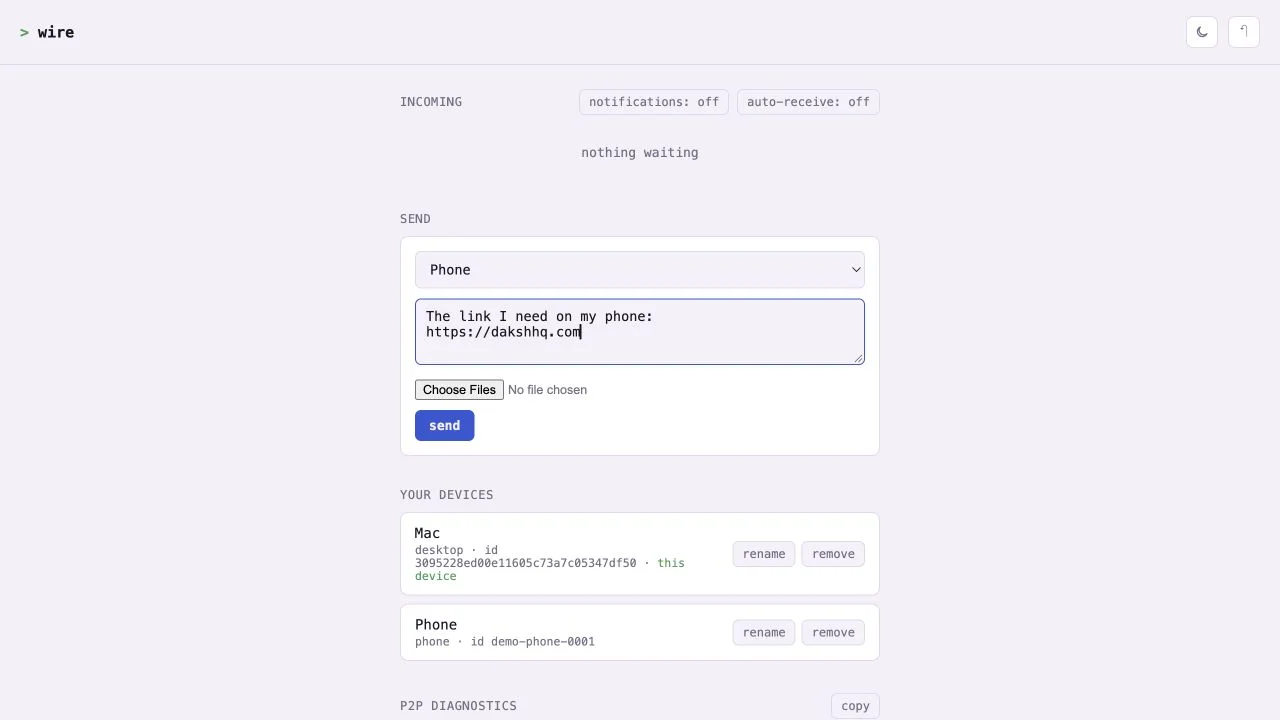
Sign in to Wire with the same DakshHQ account on your sending and receiving devices.
Choose a file or paste a piece of text. Select one of your devices as the destination.
Files try a direct connection first, with a server relay when needed. Text travels through the relay.
Wire transfers between devices on the same account. It is built for moving your own files, links, and text between your devices.
Files first try a direct WebRTC connection. If that is unavailable, they use a server relay. Text always uses the relay.
No. Sign in to the same DakshHQ account on each device, then select where to send.